Imaging and Microfilm: Making a Preservation Copy That Lasts
 Priya RamanLast reviewed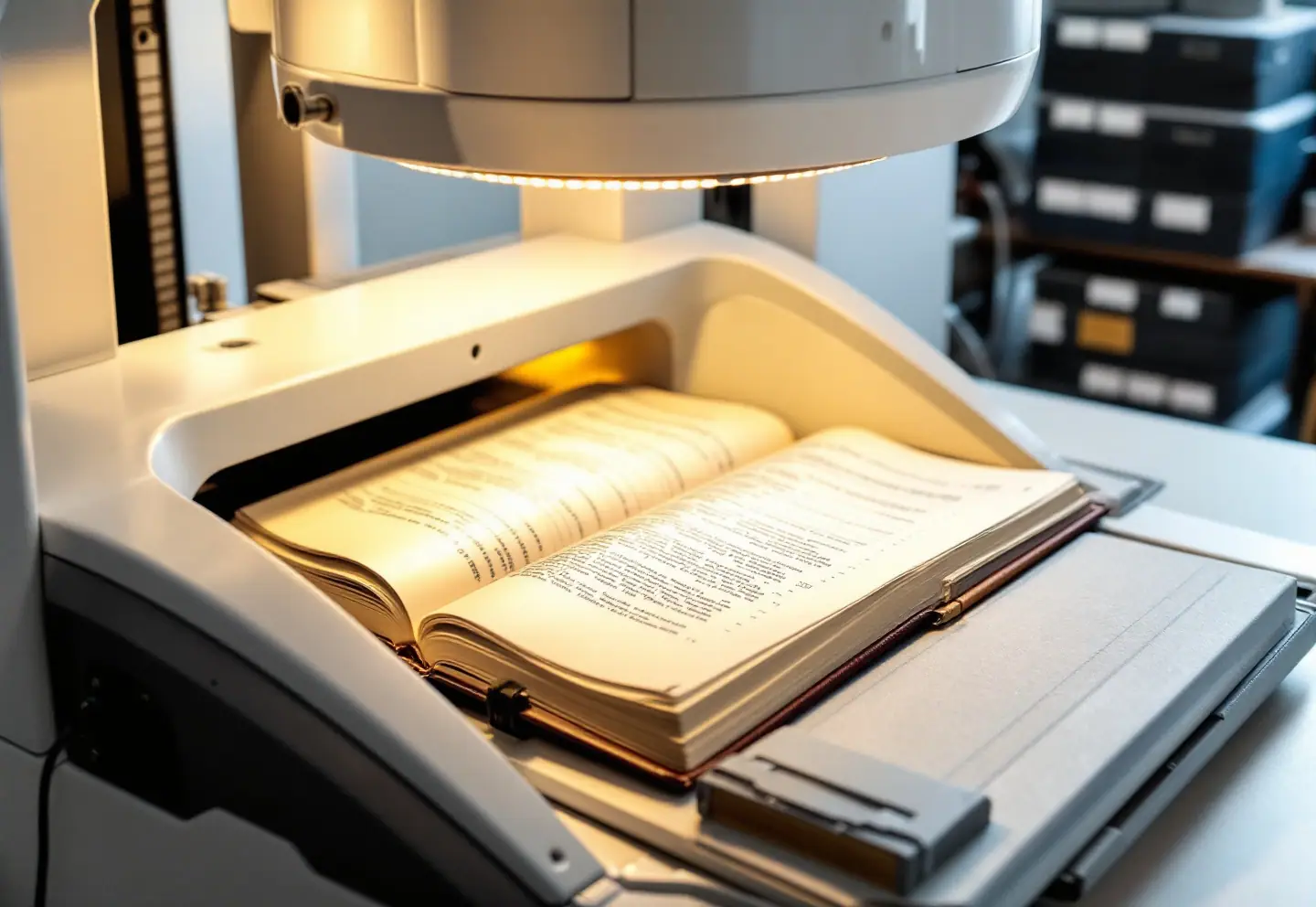
A preservation copy is an insurance policy written on a different medium. If the original is lost, damaged or simply too fragile to handle, the copy carries the information forward. That only works if the copy is good enough to stand in for the original, stored well enough to outlive it, and documented well enough that someone can find what they need in it decades from now. This guide covers the decisions that make that happen, in roughly the order you'll face them.
What the copy is for
Before choosing film or scanners, write down what the copy has to do. Most projects want some mix of three things:
- Security. A copy stored somewhere else, so a fire, flood or theft doesn't take the only version.
- Access. Something the public, title searchers and staff can use without handling the original.
- Reduced wear. Every search answered from the copy is one fewer time the book is opened.
Security favors stable media stored off-site and left alone. Access favors digital files on a search system. Most offices need both, which is why the "film or digital?" argument usually ends in "both, for different jobs."
Treat the original first
Capture should come after conservation, not before. There are two reasons. The original is the standard every copy is judged against, so if the copy is ever questioned, someone will compare it to the page. And a cleaned, mended, flattened leaf simply makes a better image than a torn, taped, cockled one. Text hidden under tape or lost into a tight gutter stays lost in the copy forever. If volumes are being disbound for treatment anyway, capturing the leaves while they are unbound and flat is the best opportunity you will get. Our guide to conservation treatments for records, maps and volumes describes that sequence.
Film, digital, or both
| Silver-gelatin microfilm | Digital images | |
|---|---|---|
| Expected life | Very long if processed and stored correctly | As long as someone actively maintains it |
| Readable with | A lens and a light source; readers for comfort | Specific hardware, software and file formats |
| Access | Slow, one user at a time per reader | Fast, searchable, remote |
| Ongoing cost | Low once stored: space, climate, periodic inspection | Recurring: storage, multiple copies, checks, migration, staff |
| Main risk | Bad processing or poor storage | Neglect: silent corruption, obsolete formats, lapsed budgets |
| Color | Black and white only | Grayscale or full color |
| Best role | Security master | Access and working copy |
Film's great virtue is that it is human-readable. Nobody needs a particular operating system to see an image on a roll of film. Digital's virtues are speed, color and search. Its weakness is that it fails quietly and completely unless someone keeps paying attention.
Hybrid workflows
There are two common ways to get both.
- Scan, then film. Capture high-quality digital images once, then write them onto microfilm with an archive writer, a device that exposes digital images onto film. You handle the original only once, and the film and the digital files match exactly. The film can be no better than the scan, so capture settings matter even more.
- Film, then scan. Film the originals, then digitize the film with a roll-film scanner. This is fast and inexpensive, and it is how many offices put decades of existing film online. Image quality is capped by the film, and the results are grayscale at best. Faint handwriting that was hard to read on the reader is no easier to read on screen.
For new projects, scan-then-film usually gives the better result. For existing film collections, film-then-scan is often the only practical route to access.
Choosing the film
16mm or 35mm
16mm film is the workhorse for documents up to about legal or ledger size: case files, letter-size correspondence, most record book pages. It is economical and fits a lot of frames on a roll. 35mm film gives more room for detail and is the usual choice for large bound volumes, maps, plats, engineering drawings and newspapers. If your record books are oversized, or the handwriting is small and dense, film them on 35mm even when 16mm would technically fit. The reduction ratio, meaning how much the page is shrunk onto the frame, should be agreed in writing for each series.
Roll, fiche or aperture card
- Roll film is the standard for security masters of record books and long series.
- Microfiche, a sheet of film with a grid of frames, suits shorter documents and was popular for distributing copies. Jackets, which hold strips of 16mm film in clear sleeves, let a case file grow over time.
- Aperture cards, a single 35mm frame mounted in a card, were long used for engineering drawings and are still found in public works departments.
For new preservation masters, roll film is almost always the answer.
Film stock, generations and storage
The preservation master should be silver-gelatin film on a polyester base, processed to archival standards. Avoid acetate-base film for anything new; older acetate rolls are prone to vinegar syndrome and should be inspected and duplicated onto polyester if they are failing. Diazo and vesicular films are fine for everyday use copies but not for masters.
Plan three generations:
- Camera master (first generation). Stored off-site and never used for reading.
- Print master (a duplicate negative). Used only to make further copies.
- Service copies. The ones that go in the reader and get scratched.
Storage is where film earns or loses its reputation. ISO 18911 sets out storage conditions for processed photographic film, including the cool, dry, stable conditions needed for extended-term storage. Under ISO's stability specification for this kind of film, properly processed silver-gelatin film on polyester can carry a life-expectancy designation of LE-500. That means it is expected to remain usable for about 500 years, provided it is kept under those extended-term conditions. The rating is a prediction for well-made film in a good environment, not a promise for a roll kept in a desk drawer. Keep film away from paper records and away from any acetate film, in inert plastic reels and boxes, with no rubber bands. Oxidizing gases from wood, cheap cardboard and fresh paint cause the small reddish spots known as redox blemishes.
Choosing digital capture settings
Settings should follow the records, not the scanner's defaults. For each series, decide:
- Resolution, measured at original size. For most textual records, 300–400 ppi is the usual working range. Maps, plats and small, dense handwriting often need 400–600 ppi. The FADGI guidelines set out performance levels by material type and are the best public reference for US work.
- Bit depth and color. Use 8-bit grayscale as the minimum for preservation masters of textual records. Use 24-bit color where color carries meaning: red-ink annotations, colored plats, seals, stamps, or ink changes that show later additions. Avoid bitonal (black-and-white) images for masters. They make small files but throw away faint ink, pencil and the difference between writing and stain.
- Format. Masters are usually uncompressed or losslessly compressed TIFF, or lossless JPEG 2000. Access copies are often PDF/A (ISO 19005) for documents and JPEG for web viewing. Our article on file formats for long-term preservation compares them in detail.
- File naming. Fix the pattern before the first scan, with zero-padded numbers so files sort correctly, for example
deeds_v0042_p0215.tif. Renaming a hundred thousand files later is a project in itself. - Equipment and handling. Bound volumes belong on an overhead scanner with a book cradle, never face down on a flatbed or through a sheet feeder. See scanning bound volumes without breaking them.
Quality control
Quality control is what turns a vendor's output into your preservation copy. Build it into the schedule and the contract.
For film:
- Resolution test charts filmed at the start and end of each roll, and checked.
- Density readings with a densitometer, within the range set in the contract.
- A residual thiosulfate test, such as the methylene blue method, on processed film, because leftover processing chemicals shorten film life.
- Frame-by-frame inspection for focus, skew, missed pages, duplicates and glare.
- An agreed method for retaking bad frames and flagging retakes on the roll.
For digital:
- A gray-scale or color target captured with each session, and with each frame for maps and color work.
- Inspection of every image or a defined sample, with a clear threshold for rejecting a batch.
- Image counts reconciled against the volume's collation, so you know every page was captured once and only once.
- Checksums generated at capture and verified at delivery, so you can later prove files haven't changed.
Indexing and metadata
An unindexed copy is a very expensive pile. On film, the minimum is a roll-and-frame index tied to book and page, with start-of-roll targets identifying the series, volume range and date of filming. Some film carries image marks, small blips beside each frame that let retrieval equipment count frames. If your state archives publishes microfilm standards, as many do, follow its requirements for targets and certification.
Digital copies need metadata at two levels: technical (capture date, device, settings, checksum) and descriptive (series, volume, page, and for land records, instrument number, parties and date). Manually keyed indexes should have an accuracy requirement in the contract, often met by double keying. Machine reading has improved. Printed and typed text usually responds well to OCR, and handwritten text recognition can now give useful search results on some handwritten records, though accuracy varies a lot from one hand to another. Our article on OCR and handwritten text recognition for archives sets realistic expectations.
Media life expectancy and the cost of keeping digital alive
| Medium | Realistic life | Depends on | Ongoing cost |
|---|---|---|---|
| Rag or alkaline paper | Centuries | Stable environment, careful handling | Low |
| Acidic wood-pulp paper, untreated | Much shorter; often brittle within decades | Deacidification, environment | Treatment, then low |
| Silver-gelatin film on polyester | LE-500 under ISO 18911 extended-term storage | Proper processing, storage, inert enclosures | Low: space, climate, inspection |
| Acetate-base film | Uncertain; prone to vinegar syndrome | Cool, dry storage; duplication if failing | Monitoring, duplication |
| Any single digital carrier: hard drive, tape, optical disc | Years, not decades | Hardware, software, format, refresh | High and recurring |
The last row is the one budgets forget. A digital collection survives only if it lives in several copies in different places, gets checked regularly against its checksums, moves to new storage before the old storage fails, and moves to new formats if the old ones become hard to read. Hard drives are routinely replaced within a few years, and each generation of tape drive reads only a limited number of earlier tape generations. None of this is difficult, but all of it costs money and staff time every year, indefinitely. The NDSA Levels of Digital Preservation are a practical way to see where you stand. Budget digital preservation as an operating cost, not a one-time project.
What to put in the contract
Use this as a checklist when drafting or reviewing a statement of work:
- Scope. Series, volume numbers, estimated page counts, and how count overruns are priced.
- Treatment before capture. Who does it, and in what order relative to imaging.
- Handling rules. Cradles, opening angles, no flatbeds or sheet feeders for bound volumes, and no adhesive flags.
- Film specifications. 16mm or 35mm, reduction ratio, silver-gelatin on polyester, processing standards, residual thiosulfate testing, generations delivered, and targets.
- Digital specifications. Resolution at original size, bit depth, color, master and access formats, compression, targets, and file naming pattern.
- Quality control and acceptance. Your right to inspect, sample sizes, rejection thresholds, and retakes at the vendor's cost.
- Indexing. Fields, accuracy requirement, and delivery format.
- Metadata and checksums. What is embedded, what is delivered alongside, and the checksum algorithm.
- Chain of custody and security. Transport, facility security, insurance, and staff screening for records with personal data.
- Privacy. Who handles redaction of personal identifiers if your state requires it for online images.
- Ownership and reuse. You own all images and indexes, and the vendor may not license, sell or retain them without written permission.
- Open formats. No proprietary viewer required to use what you paid for.
- Schedule and payment. Payment tied to accepted deliverables, not to pickup dates.
- Exit terms. Return of all originals, copies and data, with written confirmation that the vendor's copies are deleted.
The ownership clause deserves a second read. Images of public records can be valuable to third parties, and a contract that is silent on reuse leaves the question open.