File Formats for Long-Term Preservation: TIFF, PDF/A, JPEG 2000 and the Rest
 Priya Raman9 min read
Picture a county that paid for a scanning project fifteen or twenty years ago. The vendor delivered a box of external drives full of images in a compressed format written by its own capture software, plus a viewer program that only installs on an operating system nobody runs anymore. The images are probably fine. Nobody can open them. Situations like that are why I spend so much of every digitization project arguing about file formats before a single page goes on the scanner.
Choosing a preservation format is a bet that software decades from now will still be able to read the file, render it faithfully and tell you what it is. You improve the odds with formats that are openly documented, widely adopted, unencumbered by encryption or licensing traps, and able to carry their own metadata. You also improve them by keeping two kinds of files for two different jobs.
Masters and access copies are different files
The preservation master is the highest-quality file you will make: captured once, never retouched for appearance, stored with checksums and kept indefinitely. The access copy, or derivative, is what people actually use: smaller, faster, often compressed, sometimes cropped or combined into a multi-page document. You can always regenerate access copies from masters. You can never recover detail that a lossy master threw away.
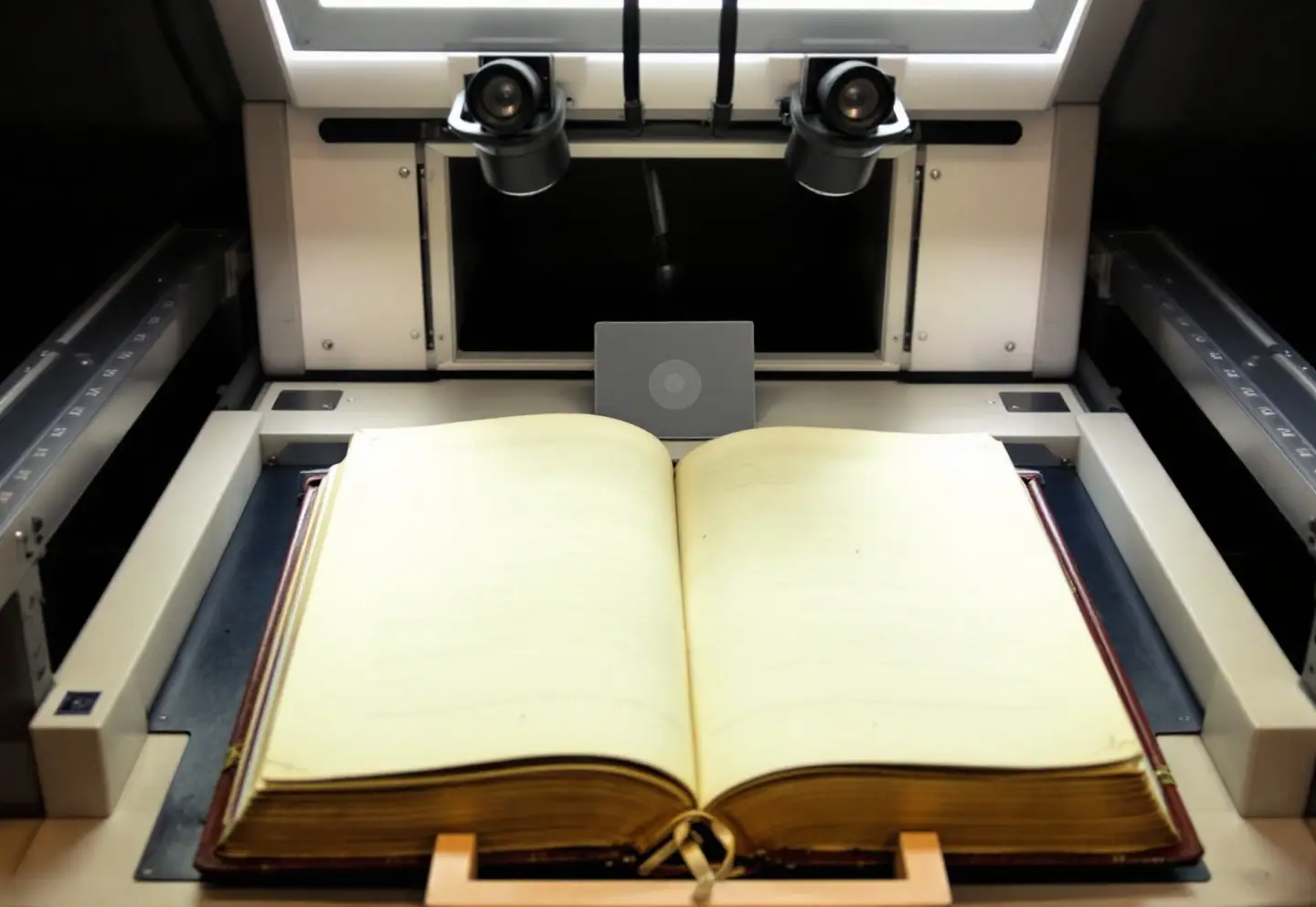
Most format arguments end once people accept that the two can differ. The clerk who needs a fast, searchable PDF at the counter and the archivist who wants an uncompressed TIFF for the next century both get what they need. If you're planning a project, our guide on making a preservation copy through imaging and microfilm shows where the master fits in the larger plan, and scanning bound volumes without breaking them covers the capture itself.
The comparison table
| Format | Typical role | Compression | Specification | Strengths | Watch out for |
|---|---|---|---|---|---|
| TIFF, uncompressed | Image master | None | TIFF 6.0, baseline | Read by nearly everything; simple; rich tag metadata | Large files; private tags written by capture software |
| TIFF, LZW or ZIP | Image master | Lossless | TIFF 6.0 | Smaller than uncompressed, no loss | Some older tools stumble on compressed TIFF |
| JPEG 2000 (JP2), lossless | Image master | Lossless wavelet | ISO/IEC 15444 | Noticeably smaller than TIFF; several resolutions in one file | Fewer tools read and write it well; slower to decode |
| JPEG 2000, lossy | Access for large collections | Lossy | ISO/IEC 15444 | Good quality at small sizes; suits zoomable viewers | Not a master |
| JPEG | Access | Lossy | ISO/IEC 10918 | Opens everywhere | Degrades with each re-save; never a master |
| PNG | Born-digital graphics, some masters | Lossless | ISO/IEC 15948 | Open, lossless, widely supported | Less common in scanning workflows and their tools |
| PDF/A-1 | Archival documents | Varies | ISO 19005-1 | Conservative and widely validated | Oldest feature set; no JPEG 2000, no transparency |
| PDF/A-2 | Archival documents, scanned books | Varies | ISO 19005-2 | Allows JPEG 2000, layers, transparency, embedded PDF/A files | Embedded files must themselves be PDF/A |
| PDF/A-3 | Documents with their source data | Varies | ISO 19005-3 | Can embed any file type, such as a spreadsheet or an original email | The embedded files are not guaranteed archival |
| PDF/A-4 | Newer archival documents | Varies | ISO 19005-4 | Built on PDF 2.0; simpler conformance options | Tool support still catching up |
| CSV | Tabular data | None | RFC 4180 | Plain text, readable by anything | No data types; document encoding and delimiter |
| XML | Structured data and metadata | None | W3C XML plus a schema | Self-describing; validates against its schema | Only as good as its schema documentation |
| WAV / Broadcast WAVE | Audio master | None | EBU Tech 3285 (BWF) | Uncompressed; metadata chunks | Large; classic WAV tops out around 4 GB per file |
| FFV1 in Matroska | Video master | Lossless | IETF RFC 9043 (FFV1) | Open and lossless; built-in checksums on slices | Not every player handles it; make access copies |
| MP4 (H.264) | Video access | Lossy | ISO/IEC 14496 | Plays nearly everywhere | Access only |
Images: why TIFF still wins most arguments
TIFF is not elegant, but it is understood by almost every imaging program written in the past three decades, its structure is simple, and its tags can hold the technical and descriptive metadata you need. For scanned paper records it remains the default master in most programs I've worked with.
The real debate is uncompressed versus losslessly compressed TIFF. Uncompressed files are larger, but if a few bytes are damaged on disk, only a few pixels are affected. In a compressed stream, the same damage can spread across a larger part of the image. With checksums and multiple copies in place, that risk is manageable, and I'm comfortable with LZW or ZIP compression for most textual records when storage is tight. Lossless JPEG 2000 is a legitimate choice for very large collections, especially if you also want zoomable delivery from the same files, but test your entire toolchain first: capture software, quality control, your repository system and whatever you plan to migrate into later.
Whatever you choose, write the technical requirements into the contract. The FADGI guidelines from the Federal Agencies Digital Guidelines Initiative set out resolution, bit depth, color and image-quality targets by material type, and they make a sound specification for a vendor. Embed an ICC color profile in every master so the colors mean something.
PDF/A: pick the part on purpose
PDF/A (ISO 19005) is PDF with the risky features removed. All fonts must be embedded, encryption and scripting are prohibited, nothing may depend on external content, and color has to be defined in a device-independent way. The standard has four parts, summarized in the table above, plus conformance levels within the earlier parts: b (basic, the page looks right), u (the text can be reliably extracted as Unicode, defined in parts 2 and 3) and a (accessible, with tagged logical structure).
For scanned records with a searchable text layer, PDF/A-2b or 2u is a sensible, widely supported choice. PDF/A-3 earns its place when you need to keep a source file with its rendered version, such as a spreadsheet behind a report or an original message behind a printout; we discussed that use in email as a public record.
Two practical points. First, for scanned images the PDF is usually an access file built from TIFF masters, not a replacement for them. Second, "Save as PDF/A" in a program is a claim, not a guarantee. Validate every file with an independent checker such as veraPDF, and keep the validation report.
Data, audio and video, briefly
Data. Export tables to CSV in UTF-8, with a header row, and keep a plain-text data dictionary describing each column, its units and any codes. A CSV without its dictionary will be a puzzle in twenty years. Use XML when the data is hierarchical or already has a schema, as with finding aids and metadata records. If spreadsheets matter, keep the original XLSX alongside a CSV of each sheet, because CSV drops formulas and formatting.
Audio. Transfers from cassette or reel-to-reel should produce uncompressed WAV or Broadcast WAVE masters, with access copies in a compressed format.
Video. FFV1 in a Matroska container has become a common open choice for lossless video masters. Many smaller institutions still receive uncompressed or vendor-specific formats; agree on the master format before the transfer starts. Our field reference to legacy formats and media helps identify what's sitting on the shelf in the first place.
Let someone else track the formats
You do not need to research every format yourself. The Library of Congress publishes a Recommended Formats Statement listing preferred and acceptable formats for textual works, still images, audio, moving images, datasets, websites and more, and reviews it regularly. It's an excellent backstop for contracts: "deliverables in a preferred or acceptable format under the Recommended Formats Statement current at signing." The Library's preservation pages are a good place to start.
Checksums and fixity
A checksum is a fingerprint of a file's bits. Change one bit and the fingerprint changes. Fixity checking means recomputing checksums later and comparing them with the originals.
- Have the vendor generate checksums at capture and deliver them in a manifest. BagIt (RFC 8493) is the usual packaging for that.
- Verify on receipt, after every copy or move, and on a regular schedule.
- MD5 is adequate for detecting accidental change. SHA-256 is stronger, and the extra computing cost is trivial.
- Keep at least two copies, preferably three, in separate places, and store the manifests with each copy.
- When a check fails, replace the damaged file from a good copy and record that you did.
The NDSA Levels of Digital Preservation are a useful way to judge where your storage and fixity practices stand and what to improve next.
Embedded metadata
Embed a small, stable set of facts in every master: a persistent identifier, the source (volume and page), the holding institution, a rights statement, the capture date, and the technical capture details the scanner records anyway. XMP is the usual container, and a tool such as ExifTool can read and write it in bulk. Keep the full description in your catalog or database. Never embed anything that changes, such as a server path.
Plan the migration before you need it
Formats rarely die overnight. They fade as tools stop supporting them. A modest plan keeps you ahead:
- Inventory. Identify every format you hold with a tool such as DROID or Siegfried, which draw on the PRONOM format registry. Validate with JHOVE, veraPDF or MediaConch as appropriate.
- Keep a watch list. Note formats whose software support is shrinking or that depend on one vendor.
- Set triggers. Act when support drops, when the Recommended Formats Statement changes, or when you replace your repository system.
- Migrate while files are still readable. Keep the originals, validate the new files, compare a sample visually, and record the event in your preservation metadata (PREMIS is the usual model).
- Budget for it. Make migration a recurring line in the budget rather than an emergency.
Before you sign a scanning contract
- Master format, compression, bit depth and color profile specified
- Access formats specified
- File naming convention specified
- Checksum manifest delivered with every batch
- Embedded metadata fields listed
- Validation reports included for PDF/A deliverables
- No proprietary containers, viewers or capture formats
- A sample batch approved before production begins
A box of drives no one can open is avoidable. It just has to be avoided on paper, before the project starts.
Keep reading

OCR and Handwritten Text Recognition for Archives: What to Expect
What handwritten text recognition can do for old records: OCR vs HTR, training on a clerk's hand, keyword spotting, ground truth, privacy and project planning.

Email Is a Record Too: Capturing and Keeping Official Email
A model policy memo for official email: when a message is a record, retention by role, personal accounts and texts, records requests, legal holds and export.
Scanning Bound Volumes Without Breaking Them
How to scan bound volumes safely: cradles and opening angles, overhead vs flatbed scanners, glass, lighting, FADGI targets, file naming and honest throughput.